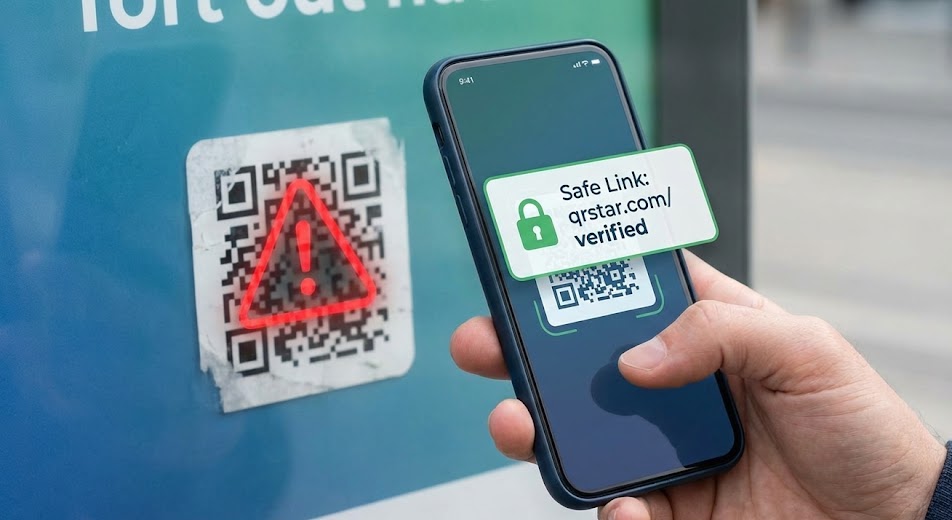
QR codes have become an undeniable part of our daily lives. We scan them to view restaurant menus, pay for parking, connect on social media, and access instant discounts. They are fast, frictionless, and incredibly convenient.
But just like clicking a link in a suspicious email, scanning an unknown QR code carries risks. Because a QR code is essentially just a digital hyperlink cleverly disguised as a pattern of dots, cybercriminals have found ways to exploit them.
At QR Star, we believe in the power of this technology, but we also believe in using it safely. Here is your complete guide to understanding the risks and knowing how to spot a fake QR code before it’s too late.
The New Phishing: Welcome to “Quishing”
You’ve heard of phishing (fake emails trying to steal your data). The QR code equivalent is known as “Quishing” (QR phishing).
The scam is deceptively simple. Attackers create their own malicious QR codes designed to steal information or infect devices. These malicious codes can direct you to:
- Fake Login Pages: Websites designed to look identical to a real bank or social media login page to steal your username and password.
- Malware Downloads: Sites that automatically trigger a download of harmful software onto your phone in the background.
- Phony Payment Portals: Scams that trick you into sending money to a fraudster instead of a legitimate merchant.
How to Spot a Fake QR Code: 3 Critical Checks
You don’t need to be a cybersecurity expert to stay safe. You just need to be observant. Before you scan, run through this mental checklist:
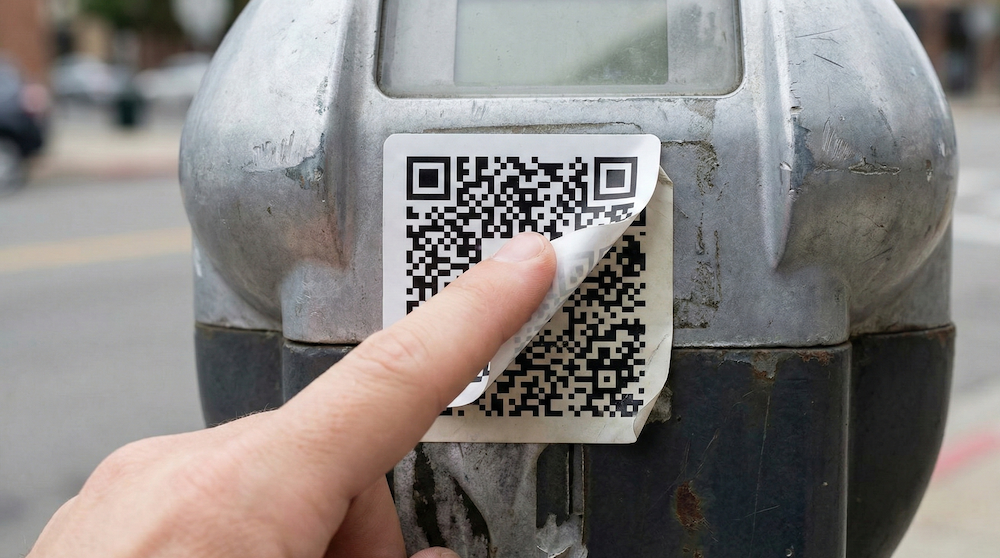
1. The Physical “Sticker Check”
This is the most common, low-tech QR scam in the book. Scammers often print their own malicious QR codes on stickers and physically paste them over legitimate ones.
Before scanning a code on a parking meter, a poster, or storefront signage, run your finger over it. Does it feel like a sticker stuck on top of another surface? can you see the edges of an underlying sticker peeking through? If it looks tampered with, do not scan it.
2. Never Ignore the URL Preview
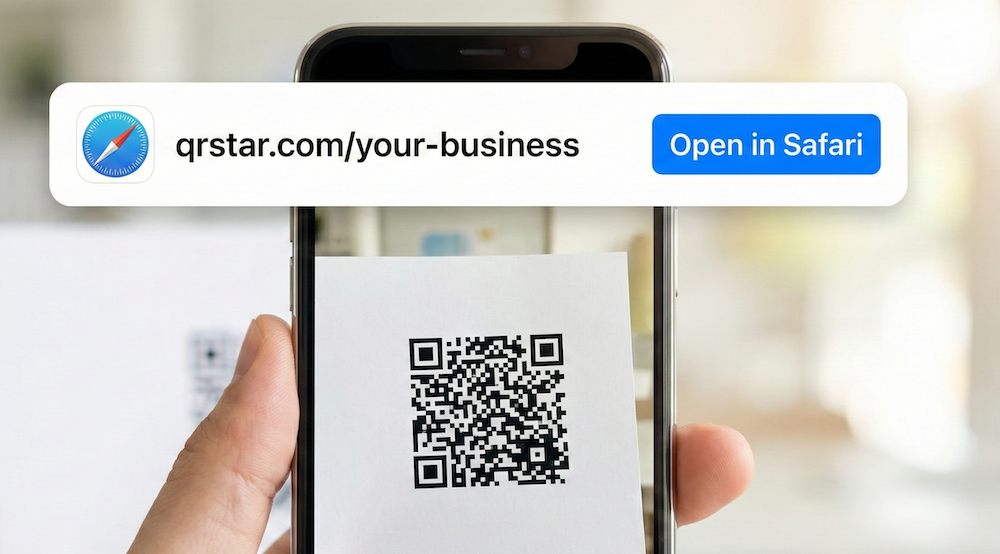
Modern smartphones have a built-in safety feature: they rarely open a link immediately. When your camera recognizes a QR code, it displays a small pop-up showing the website address (URL) it wants to take you to.
Read that URL.
If you are scanning a code for a city parking meter, but the URL is something like bit.ly/quick-cash-now22, it’s a scam. Look for misspellings of legitimate brand names or generic, strange-looking domains.
3. The “Too Good to Be True” Test
Did you find a random flyer on the ground promising a free $100 gift card just for scanning a code? Scammers use urgency and greed to bypass your critical thinking. If a QR code is offering an unbelievable reward in exchange for zero effort, walk away.
How QR Star Ensures Secure Connections
At QR Star, security isn’t an afterthought; it’s built into our platform.
When you create Dynamic QR Codes with QR Star, you are using a secure, managed infrastructure. Unlike static codes that point directly to a website, our dynamic codes route through our secure servers first. This allows us to monitor for abuse and ensure links remain safe.
Furthermore, when you use QR Star for your business, you are presenting your customers with a professional, trusted domain that they can recognize in their URL preview, immediately signaling that the code is safe to scan.
Scan Smart, Stay Safe
QR codes are a fantastic tool that bridges the physical and digital worlds. Don’t let the fear of “quishing” stop you from using them—just let it make you smarter. By taking two seconds to inspect the code and read the URL preview, you can scan with confidence.
Ready to create secure, trackable, and professional QR codes for your business? Start QR Star today.