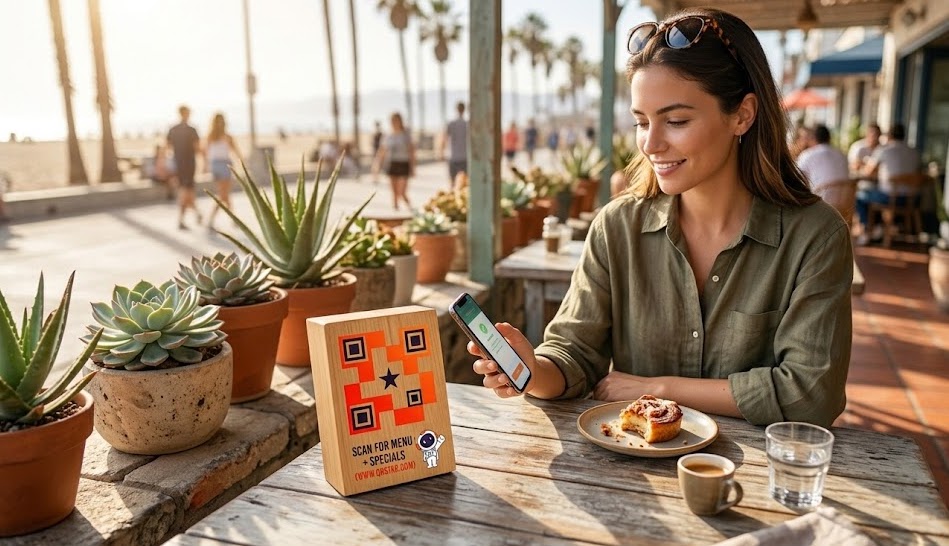
For restaurant owners, there is nothing more frustrating than the “reprint cycle.” You want to add a seasonal cocktail, adjust the price of your ribeye due to market costs, or mark an item as “sold out,” but you’re stuck. You either have to use a messy “white-out” pen on your beautiful menus or spend hundreds of dollars at the local print shop to redo them all.
In 2026, the industry has moved past static paper. The solution isn’t just a digital menu; it’s a dynamic digital menu generator.
If you’ve been searching for the best QR code for restaurant menu integration, this guide will show you how to gain total control over your tables without ever touching a piece of paper.
Why “Static” QR Codes are a Recipe for Disaster
Many restaurants make the mistake of using a free, static QR code generator. A static code hard-codes your menu’s URL into the square pattern.
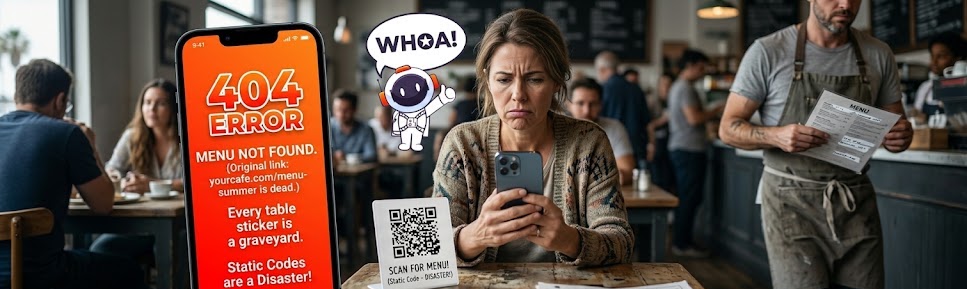
The problem? If you move your menu from yourcafe.com/menu-summer to yourcafe.com/menu-fall, your QR code stops working. Every sticker on every table becomes a “404 Error” graveyard.
The Dynamic Advantage: A dynamic QR code acts as a “smart portal.” The code stays the same on the table, but you can change where it points in the backend.
The QR Star Hero Moment: Update Your Menu in 30 Seconds
At QR Star, we’ve built a specific workflow for the hospitality industry. We know you don’t have time to be a web developer; you have a floor to manage. Here is our “no-stress” step-by-step guide to digitizing your menu.
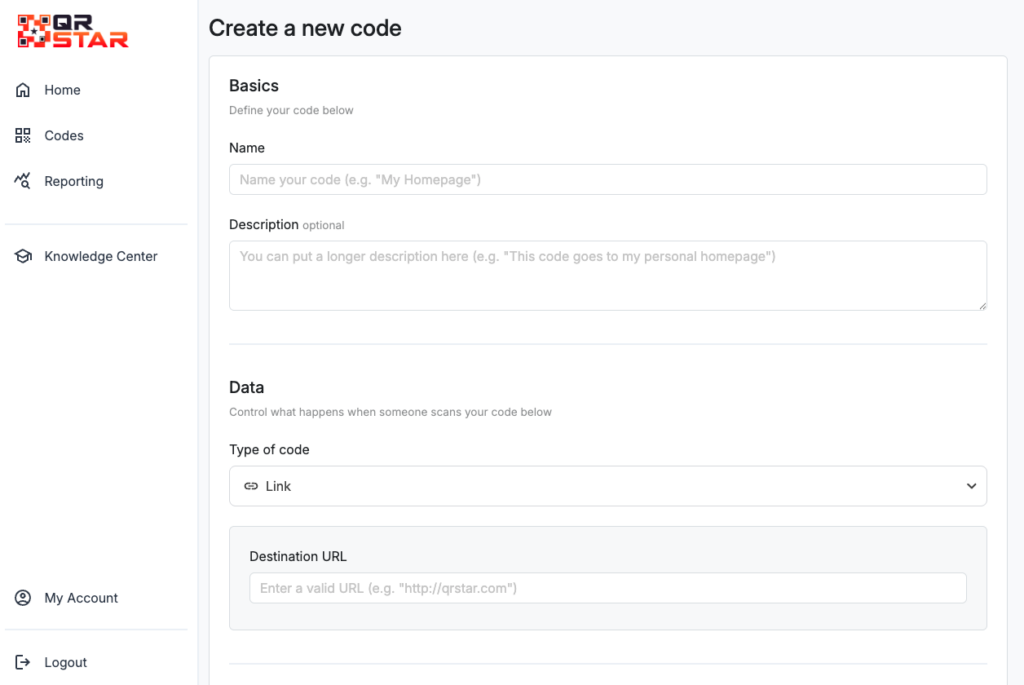
Step 1: Access the Menu Category
Log into your QR Star dashboard. Unlike generic tools, we have a dedicated “Menu” category. This ensures your code is optimized for mobile viewing, where 98% of your guests will be seeing it.
Step 2: Upload Your PDF or URL
Have a beautiful PDF of your menu? Just drag and drop it. Hosting your menu on a webpage? Simply paste the link.
Step 3: Design for Your Aesthetic
Stop making ugly QR codes. Use our design suite to match your brand colors. If you’re a high-end steakhouse, go with deep charcoal and gold. If you’re a Venice beach cafe, try bright teal or orange.
Step 4: The “Emergency” Update
It’s Friday night at 7:00 PM and you just sold out of the Daily Special.
- Old way: Tell your servers to apologize to every table.
- QR Star way: Open the dashboard on your phone, swap the PDF or link, and hit “Save.” Every QR code on every table is updated instantly.
Cutting Costs, Not Quality
Beyond the convenience, the math for a dynamic digital menu generator is simple.
- Average cost to reprint 50 menus: $150 – $300.
- QR Star subscription: $0.99/month.
By switching to QR Star, most restaurants save enough in their first month to pay for their subscription for the next 10 years. Plus, with our unlimited scans, you never have to worry about your menu “disappearing” on a busy Saturday night.
Boost Your “Phygital” Experience
The most successful restaurants are embracing the “Phygital” trend—merging the physical dining room with digital convenience. Use your QR Star menu to:
- Collect Emails: Add a “Join our VIP list” button on your digital menu.
- Track Analytics: See which tables are scanning the most and what time of day your menu gets the most hits.
- Speed up Turnaround: Guests can browse the menu the second they sit down, leading to faster ordering.
Ready to stop the reprint madness? Join the hospitality revolution. Create your first dynamic menu QR code today and keep your focus where it belongs: on the food.
Try QR Star – The Only $0.99 Restaurant Solution