
A campaign flyer arrives in the mail. It introduces a candidate, lists a few priorities, and shares a short message about the future of the community. But a reader has questions: What does the proposal involve? Where can they read the details? Is there a recording of the candidate discussing it?
QR codes on political flyers give readers a way to explore those questions. With a smartphone camera, they can open a linked policy explanation, candidate video, or public event page. For campaigns, this creates a connection between printed materials and more detailed online resources. For voters, it offers another way to examine the information behind a short campaign message.
Give readers room to explore the platform
Printed materials have practical limits. A postcard or door hanger can introduce a subject, but detailed proposals, supporting documents, and lengthy explanations need more space. A QR code can connect that introduction to a page where readers can explore the candidate’s position in greater depth.
Consider a hypothetical flyer introducing a candidate’s transportation priorities. The printed piece summarizes the proposal, while a linked webpage explains its scope, the responsibilities of the office being sought, and the information supporting the approach. The flyer remains an introduction. The website provides space for the details.
What can a campaign flyer link to?
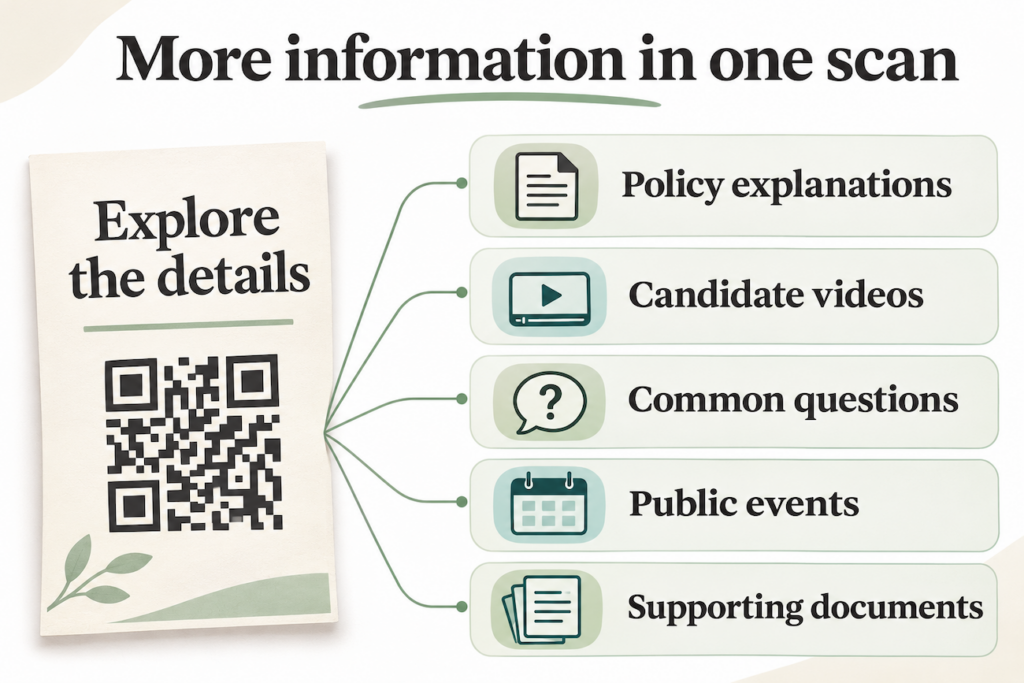
A QR code can point to several kinds of public information, depending on the subject of the printed material.
- Detailed policy explanations: Pages outlining proposals, their intended outcomes, and supporting sources.
- Candidate videos: Recorded introductions, interviews, or discussions that readers can watch on their phones. Captions and transcripts make the information accessible in more situations.
- Answers to common questions: A page explaining topics that come up regularly in public conversations.
- Public events and recordings: Schedules for candidate forums or links to recordings for people who couldn’t attend.
- Supporting documents: Published plans, references, and other materials that let readers examine the basis for a statement.
A clear description beside the code helps readers understand what they will find. “Read the full transportation proposal” explains the destination more precisely than an unexplained square.
Make the linked information easy to access
The experience after scanning matters as much as the printed code. If a flyer promises a policy explanation, its QR code should open that explanation directly. Sending readers to a general homepage adds another search step. The destination should work comfortably on a phone, with readable text, clear headings, and manageable image sizes. Videos should include captions, and documents should remain legible on smaller screens.
Basic platform information should be accessible without requiring readers to submit their contact details first. Someone looking for a proposal should be able to read it and decide for themselves whether to explore further. Include a readable website address alongside the QR code, too. It gives people another way to reach the information if they prefer typing a URL or cannot scan the printed material.
Keep information current after printing
Campaign information can change while printed materials are still circulating. Event schedules shift, documents are revised, and website pages move. There are two ways to maintain that connection:
- If a webpage keeps the same URL, its content can be updated without changing the printed QR code. This works for both static and dynamic codes that link to that address.
- If the destination URL itself needs to change, a dynamic QR code provides additional flexibility. QR Star lets users update a dynamic code’s destination without replacing the printed pattern.
For example, a code linking to an upcoming public forum could later point to the recording. The description on the flyer should still accurately explain what readers will find.
Understand what scan activity means
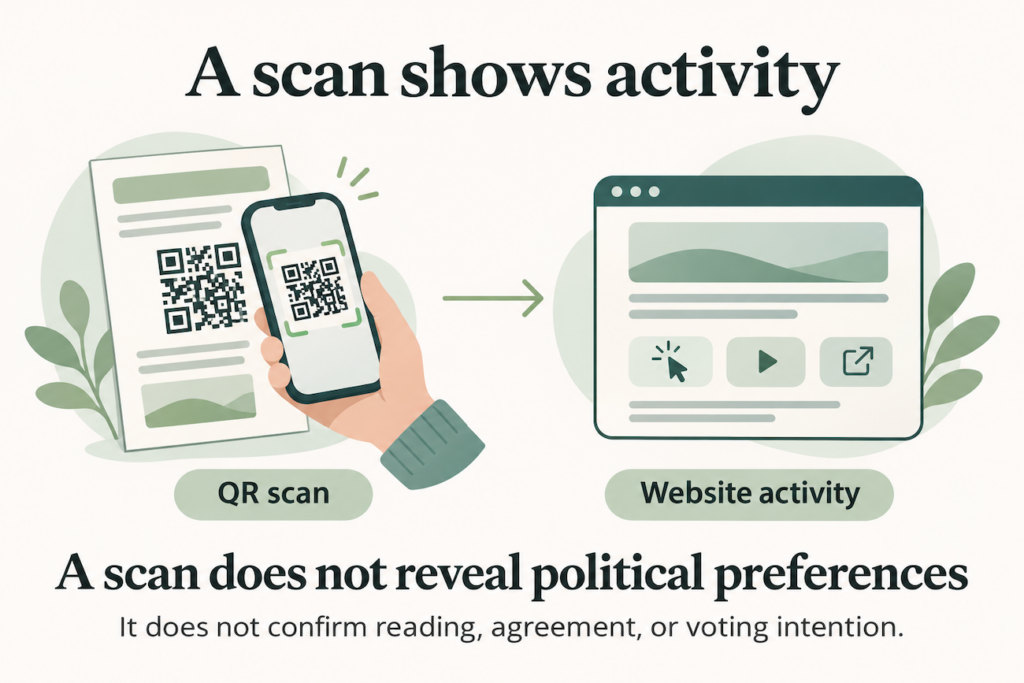
QR Star provides scan analytics that can help users understand interaction with their codes. However, a scan does not show that someone read a proposal, agreed with it, or intends to vote for a candidate. Website analytics can provide additional information about visits and recorded actions on a site the campaign measures. Those figures still describe online activity, rather than political preferences.
For a practical explanation of website measurement, read our guide to How to Track QR Code Traffic in Google Analytics.
Connect your printed materials with QR Star
Give readers an easy way to explore the information behind your campaign flyer. With QR Star, you can create a customized QR code, link it to a public information page, and update its dynamic destination when needed. Create your QR code with QR Star.