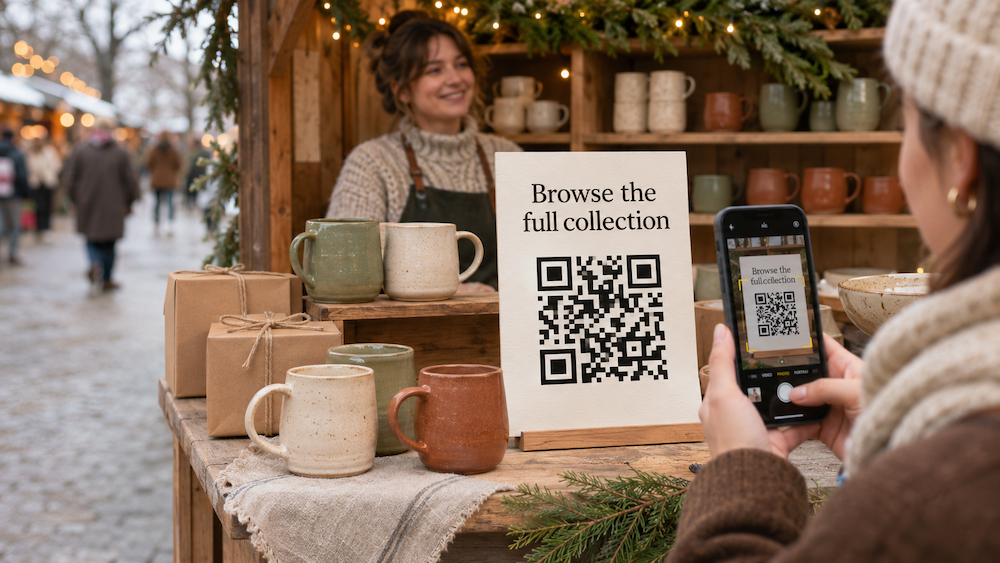
A shopper stops at your holiday market stall, picks up a handmade mug, and asks whether it comes in another color. They love your work, but they’re still browsing. You hand them a card and hope they remember your shop.
QR codes for holiday markets give that conversation somewhere to continue. A code on your table sign, product tag, or take-home card can link shoppers to your online store, product information, or an optional email signup.
Here’s how to make those connections useful during the event and after you pack up.
Give every code a clear purpose
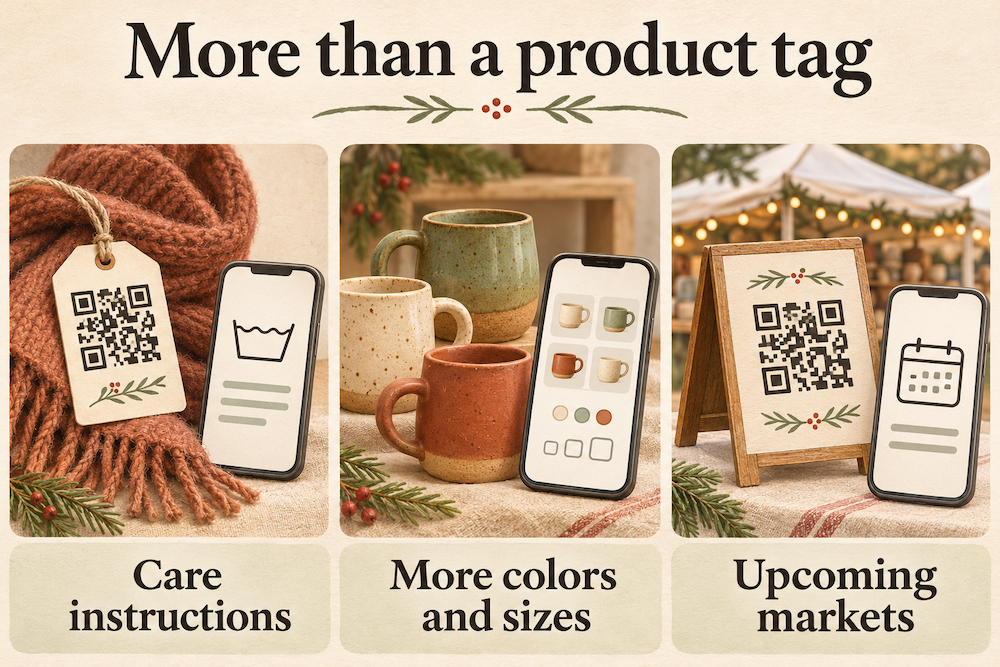
Start with what shoppers need at that particular moment. Someone browsing your table might want to see more colors or sizes. Someone unpacking a purchase at home might need care instructions. A visitor planning another shopping trip may want your next market date.
Choose a destination that answers that need, then explain it beside the code:
- “Shop more colors online.”
- “Scan for care instructions.”
- “See where we’ll be next.”
- “Get new collection updates.”
You don’t need a separate sign for every action. Start with the one that comes up most often in your conversations.
Make your online shop easy to find
Your market display can only hold so much inventory. A QR code can introduce shoppers to products, variations, or made-to-order options you couldn’t bring. Link directly to the relevant collection or product page. If your sign promises more colors, visitors should land where those colors are available rather than having to search your homepage.
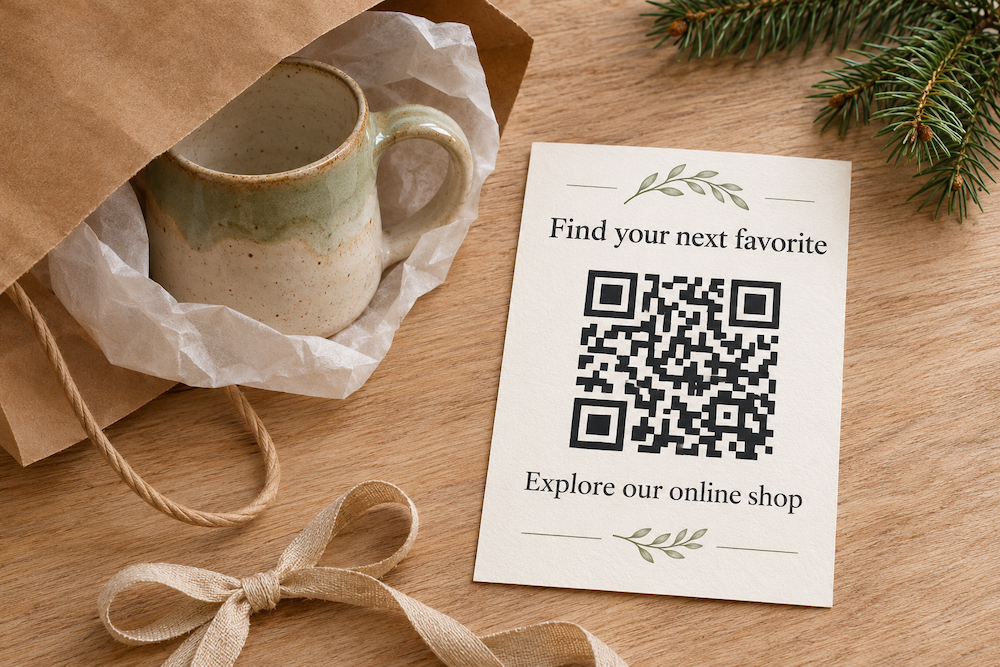
Imagine a ceramic artist displaying a small selection of mugs. A “Browse the full collection” sign lets visitors explore additional pieces on their phones. A matching take-home card gives them the same route back when they’re ready to order. Keep availability, shipping information, and order timelines clear on the destination page, especially when shoppers are buying gifts.
Share the details behind your products
A short product tag may not have room for everything a customer wants to know. Use a QR code to link to useful information such as:
- Materials, dimensions, or sizing.
- Cleaning and care instructions.
- Assembly or demonstration videos.
- Personalization options and how to request them.
- Your making process and the story behind a collection.
For example, a scarf’s tag could link to washing instructions and styling suggestions. A handmade wooden item could link to a care guide.
Host that information on your website or another accessible destination, then link to it with your code. Test that visitors can open it without requesting access or signing in.
Offer a way to stay in touch
Some visitors want to hear from you again, even if they don’t buy that day. A QR code can link to your existing newsletter signup page. Explain what people will receive, whether that’s new product announcements, restock updates, or upcoming market dates.
Keep the choice clear and optional. Scanning a code doesn’t subscribe someone to your mailing list; they still need to complete your signup process. Let visitors browse your products without requiring an email address first. Your newsletter should be an invitation they can choose.
Choose placements shoppers can actually use
A good location gives people enough space and time to scan comfortably. A tabletop sign works while visitors browse. Put it near the relevant products, facing shoppers, without blocking your display. A card slipped into a shopping bag stays with the customer after the event. Product tags work well for information tied to a particular item.
Use a clear code with strong contrast and blank space around it. Add your business name, a readable website address, and a short explanation of the destination. Before printing a full batch, test a sample at its intended size. Try different phones and the lighting you expect at the market. Avoid reflective finishes or folds across the code.
Keep the destination useful after the holidays
Your printed cards may stay in wallets and gift bags long after the market ends. With a dynamic QR code, you can change the destination URL without replacing the printed pattern. QR Star supports editable destinations, branded designs, and scan tracking.
When a holiday collection ends, you could redirect its code to a current collection or a page explaining what’s available next. Keep the new destination consistent with the printed promise: a care-instructions code should continue to lead to care information. If you only need to update content on the same webpage, you can do that without changing its URL.
Get ready for your next market with QR Star
Give shoppers a simple way to find your work again. Create a branded QR code with QR Star, connect it to a useful destination, and test it before your next event. Whether it lives on your table or travels home in a shopping bag, your code can keep the connection open after the holiday market closes.