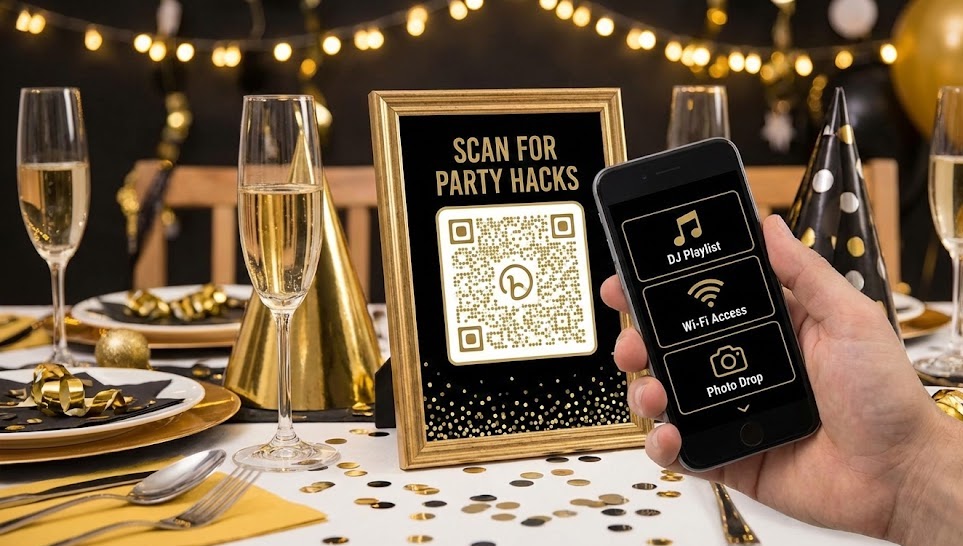
The champagne is chilling, the glitter is everywhere, and the countdown to 2026 has officially begun.
If you are hosting a Holiday or New Year’s Eve party this year, you know the struggle: you want to enjoy the night, not spend it answering questions like “What’s the Wi-Fi password?” or “Can you play something by Chappell Roan?”
This year, let technology do the heavy lifting. By printing out three simple, customized QR codes from QR Star, you can turn your party into a frictionless, interactive experience.
Here are the three “Smart Codes” every modern host needs for NYE.
1. The DJ Booth: Crowdsource the Vibe
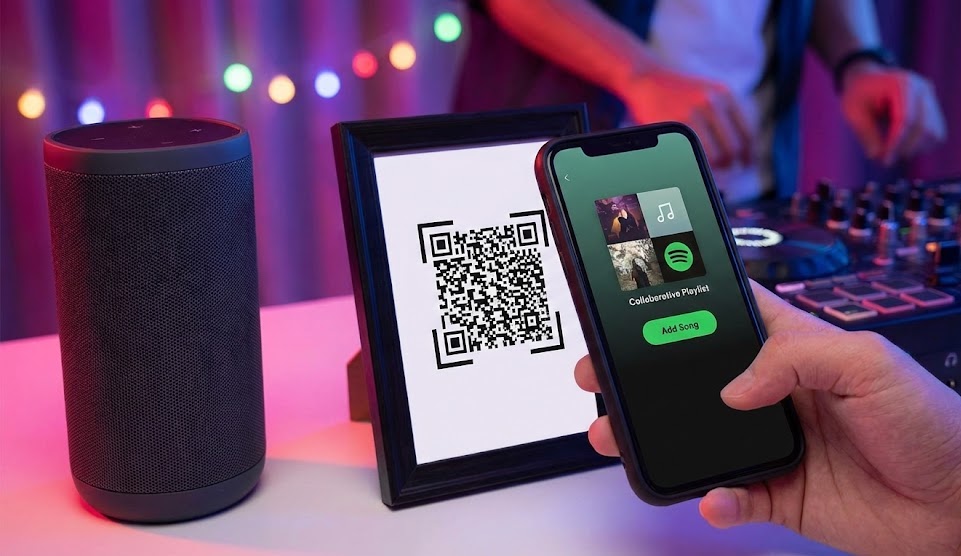
Nothing kills a party vibe faster than a host frantically scrolling through their phone trying to find a song request. Instead, let your guests be the DJ (within reason!).
The Hack: Create a Collaborative Playlist on Spotify or Apple Music. This allows anyone with the link to add songs to the queue.
How to do it with QR Star:
- Open your music app and set your playlist to “Collaborative.”
- Copy the “Share Link.”
- Paste it into QR Star and generate a Dynamic QR Code.
- Pro Tip: Customize the code color to Gold or Silver to match your decor!
Now, just frame the code near the speakers or the bar. Guests can scan, add their favorite tracks, and you can stay on the dance floor.
2. The Wi-Fi Hero: No More “Password” Charades
We’ve all been there: The music stops because the streaming dropped, or a guest can’t upload their Story because the cell service is spotty. Then comes the inevitable: “Hey, what’s the Wi-Fi password again? Is that a capital Z or a lowercase z?”
The Hack: Create a QR code that instantly connects guests to your network.
How to do it: You can create a text-based QR code or a simple landing page that lists the network name and password clearly. When guests scan it, they have the info right on their screen. Stick this code on the fridge or the entryway table so people get connected the moment they walk in.
3. The Memory Bank: Capture Every Angle
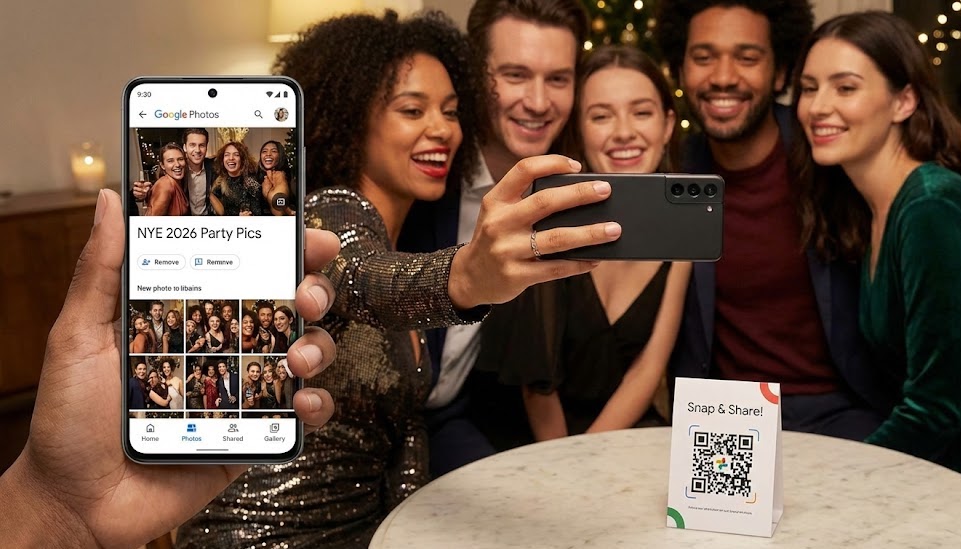
The worst feeling on January 1st is waking up and realizing you didn’t take a single photo because you were too busy hosting. Meanwhile, your friends have dozens of great shots on their phones that you’ll probably never see.
The Hack: Create a shared photo album (Google Photos, Apple Shared Album, or a Dropbox folder) where everyone has upload access.
How to do it with QR Star:
- Create a shared album and copy the “Invite Link.”
- Create a QR Star code for that link.
- Print it out on small cards or napkins with the caption: “Snap it, Scan it, Share it.”
By the end of the night, you’ll have a crowdsourced album of the entire party from everyone’s perspective—no chasing people down for photos next week.
Why Use Dynamic Codes for Your Party?
You might be thinking, “Can’t I just use any free code generator?”
You could, but using QR Star’s Dynamic Codes saves you from the “Party Panic.”
Imagine you print out 20 beautiful cards for the tables, but an hour before the party, you realize you sent the link to the wrong Spotify playlist. With a static code, you’d have to throw them all away and reprint. With QR Star, you just log into your dashboard, update the destination link, and the printed codes on the tables work perfectly.
Ready to host like a pro? Create your custom, festive QR codes at QR Star and ring in 2026 with style!